Subscribe to Schedules
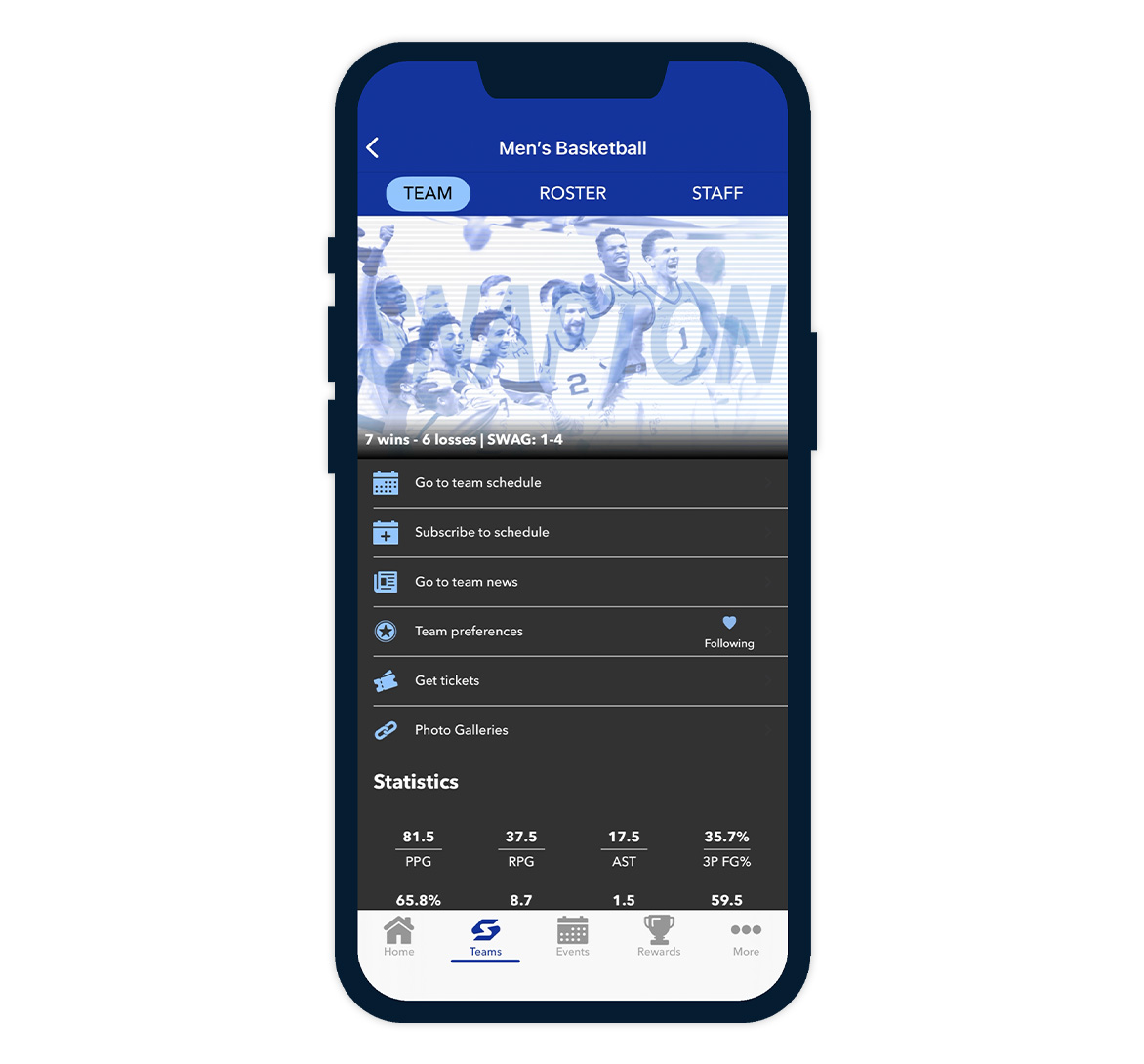
Users can now subscribe to team calendars directly from the FanX app and sync events to their preferred calendar service, including Google (Gmail) and iOS Calendar. Once subscribed, events automatically update so schedules stay current without any manual refresh.
iOS:
Android:
- Go to your Team page
- Tap Subscribe to schedule
- You’ll be taken to the Apple Calendar app
- Tap Find to load the events from the prefilled calendar link
- Review the schedule preview (optional)
- Pick which calendar to add the subscription to (optional)
- Tap the checkmark to confirm
Android:
- Go to your Team page
- Tap Subscribe to schedule
- Allow calendar access if prompted
- On Schedule Events, all games are pre-selected (you can deselect any you don’t want)
- Tap Add to Calendar
- Choose which calendar to add to