
Snap! Mobile One Training Sessions
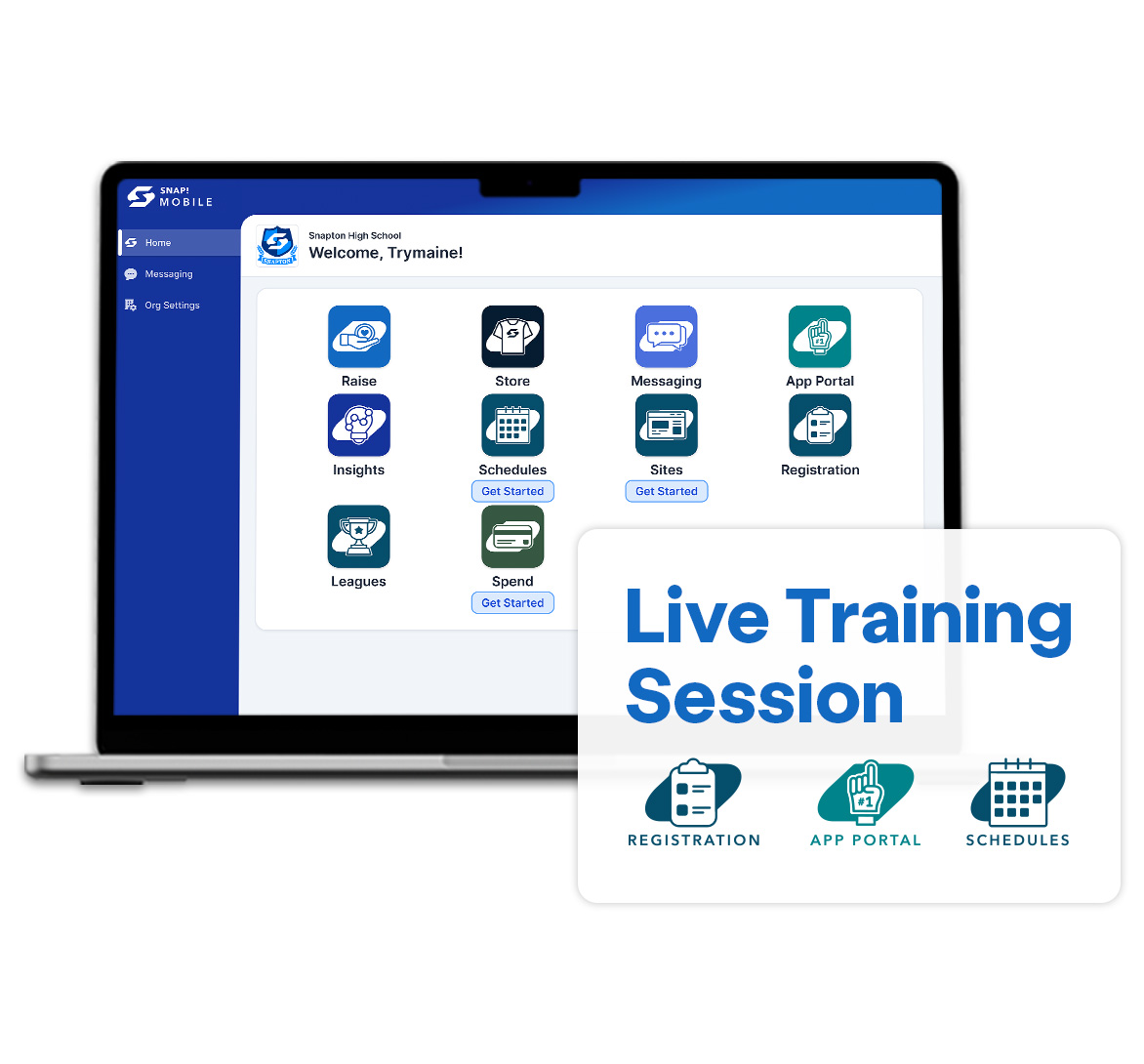
Snap! Mobile One - FanX App Trainings
App refresh & new Portal training
Discover how to make the most of the new portal and get your app ready for the upcoming school year. Learn how to update schedules, rosters, photos, and sponsors while keeping your app fresh and engaging for your community. We’ll also provide a brief preview of Rewards and Messaging features and share additional webinar opportunities to help you dive deeper into those tools. With guidance from our team, you’ll be ready to confidently manage your app and start the new year strong.
Messaging training & setup
Learn how athletic directors, administrators, coaches, and group leaders can use the in-app messaging feature to improve communication with students and families while staying aligned with district requirements and safety guidelines. We’ll walk through setup best practices, and share simple strategies to help parents and students get connected quickly.
Rewards training and setup
Join us for a walkthrough of the Rewards program in the new FanX portal. We’ll cover setup, key features, and proven strategies to help you drive fan engagement all season long.
You’ll learn how to:
- Enable Rewards for the coming year
- Navigate Rewards in the new portal
- Create & manage rewards & prizes
- Engage students & communities
- Check-ins & points best practices